Run every client's social with clarity - not chaos
PostFlow helps you plan, publish, collaborate, and report across multiple clients without complex workflows or enterprise-level pricing.

Manage multiple clients
Keep each client's content organized, scheduled, and separate - all in one clean workspace.
Collaborate without friction
Work with your team and your clients in a way that feels transparent and easy.
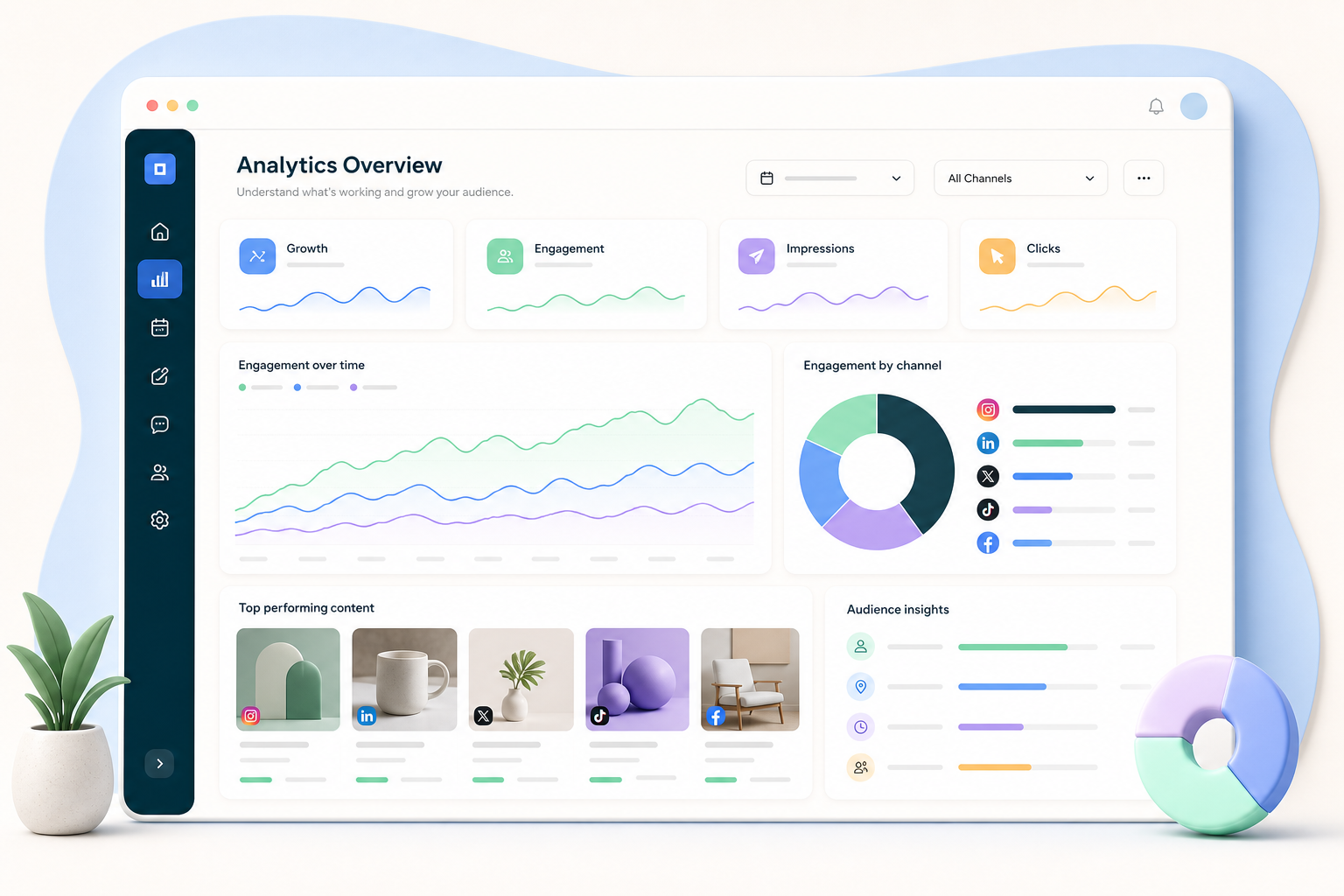
Show the impact
Get actionable insights, like which type of content performs best, and create eye-catching reports.
Pricing built for agencies
Pay for the channels you connect, and adjust as your portfolio evolves.
All the tools. None of the headaches.
Scheduling, approvals, analytics, comments, and reporting are built to work together. You don't need a patchwork of platforms or complicated setups.
Works with the tools you already use
Connect PostFlow to your agency workflow.
Collaborate with your team and clients
Work together with unlimited user invites. Set up custom access and permissions. Keep everything secure with 2FA protection.

Pricing that scales with you
With pay-per-channel pricing, you only pay for what you're managing. Add channels when you need them. Remove them when you don't.
Built for client approvals
Share polished drafts, gather comments, and keep approval status clear before anything goes live.
Draft
Prepare channel-specific posts.
Review
Collect client feedback in one place.
Report
Send clean updates after campaigns run.
Social media management tips for agencies

How to Run a Successful PR Agency in the Age of Social Media
Learn the strategies and tools that modern PR agencies use to deliver results for clients.
Read more arrow_forward
How teams scale agency workflows with PostFlow
A practical guide to keeping multiple client accounts organized without adding more tools.
Read more arrow_forward
How to Start a Social Media Marketing Agency: A Complete Guide
Everything you need to know about starting and growing a successful social media agency.
Read more arrow_forwardThe agency tool that grows with your client roster
No credit card needed. Free forever.
FAQs
Can I manage multiple clients in PostFlow? expand_more
Yes. You can keep client work organized so scheduling, approvals, and reporting are easier to run across multiple accounts without losing track.
How do permission levels work? expand_more
PostFlow's permission levels let you choose who can post to each of your channels. You can assign different access levels, from full posting access to approval-only roles.
How does the approval workflow work? expand_more
Team members can draft posts and submit them for approval. Admins or managers can review, edit, and approve before they're scheduled to go live.
Can I customize PostFlow's reports? expand_more
Yes. PostFlow custom reports let you choose charts, set date ranges, and export client-ready reports with branding like a logo and cover page.
How does the pricing help me save? expand_more
PostFlow uses volume discounts for channels. Your price per channel gets lower once you manage more channels, scaling affordably for agencies.